Personal accounts
Optional connections that let the AI use your own email, calendar and direct messages when you ask a question. Only you can see this data.
How it differs from project sources
- Fetched on demand. Your messages and events are retrieved when you ask a question. They are not synced into the project’s stored knowledge.
- Only you see it. Other members never see your email, calendar or direct messages, and answers to their questions never use them.
- Brief caching. To keep follow-up questions fast, recent results are held in a short-lived cache (minutes to an hour) and then discarded.
- You choose how far back. Set the look-back period for each source, from 1 to 90 days for email.
Google (Gmail, Calendar, Drive)
- Click your name at the top right and open My Settings.
- Under Personal Integrations, in Google Drive & Gmail, click Connect Google Drive & Gmail and approve the permissions.
- Turn Gmail, Google Calendar and Google Drive on or off separately and set their look-back periods. Click Save all changes.
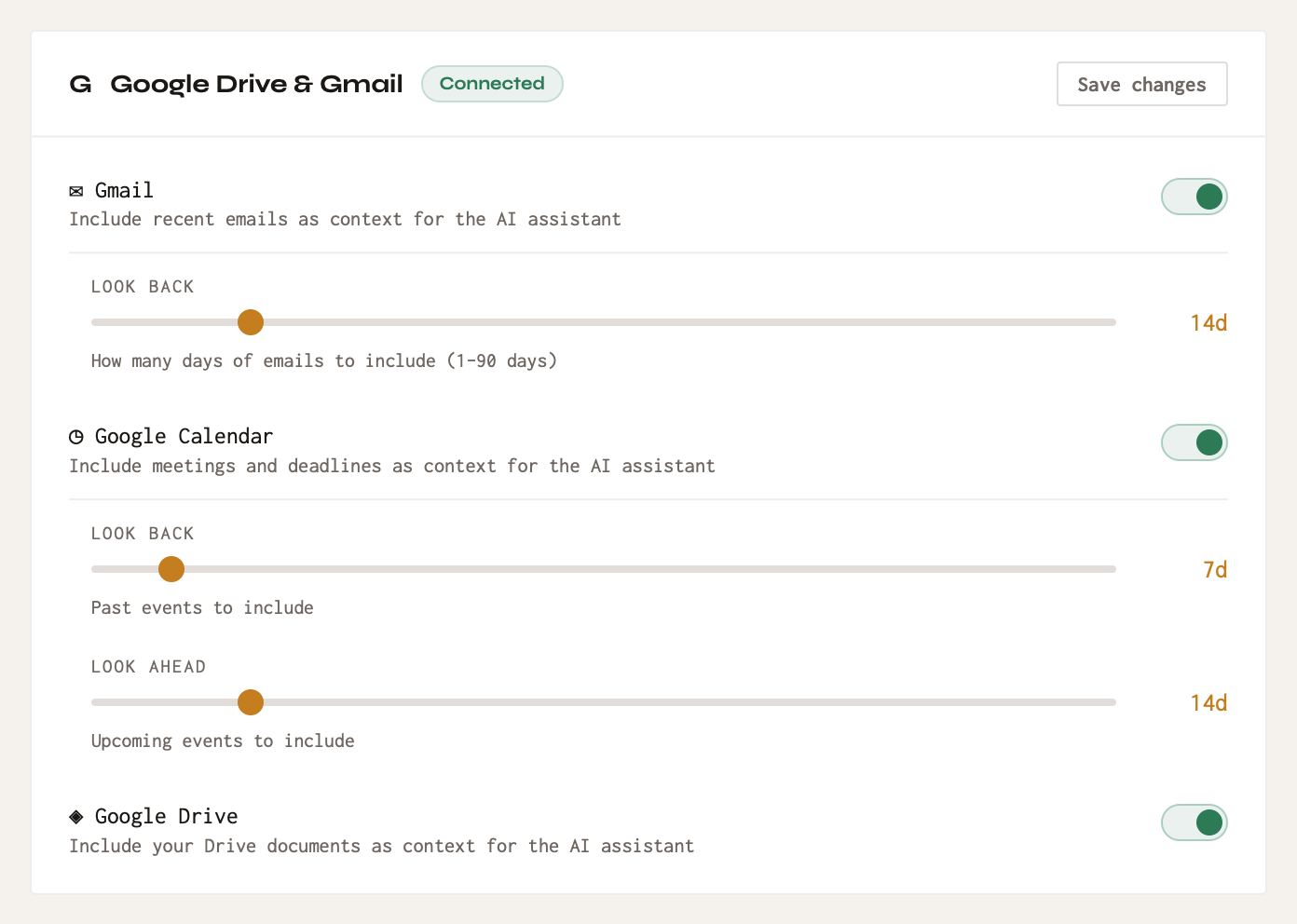
Permissions requested: read-only access to Gmail (gmail.readonly), Calendar (calendar.readonly) and Drive (drive.readonly). Claro Historia cannot send, change or delete anything.
Claro Historia's use and transfer of information received from Google APIs adheres to the Google API Services User Data Policy, including the Limited Use requirements.
Microsoft (Outlook, Calendar, OneDrive)
- In My Settings → Personal Integrations, in the Microsoft card, click Connect Microsoft account.
- Sign in with your work, school or personal account and approve the permissions.
- Turn OneDrive, Outlook Mail and Outlook Calendar on or off and set look-back periods.
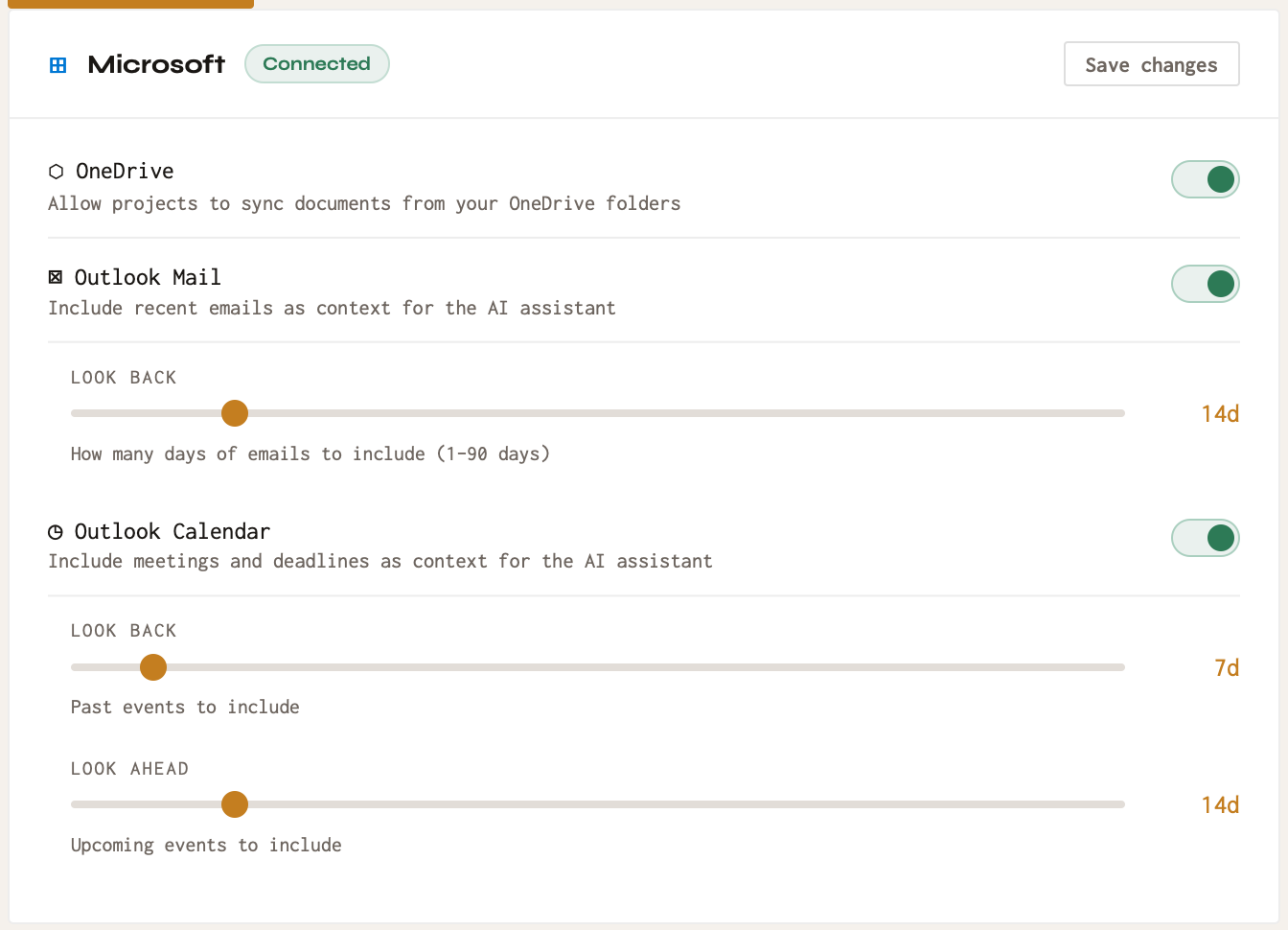
Permissions requested: read-only access to files (Files.Read.All), mail (Mail.Read) and calendar (Calendars.Read), plus offline_access to stay connected.
Slack direct messages
If your workspace has Slack connected, you can also let the AI use your own recent direct messages. In My Settings, connect your Slack account under Slack DMs and choose the look-back period. Requested permissions: im:history, im:read and users:read (your direct messages and basic user info). Direct messages are never added to a project or shared with other members.
Disconnect
In My Settings, use Disconnect on the Google, Microsoft or Slack card. The AI stops using that account immediately. You can also remove Claro Historia from the permissions page of your Google, Microsoft or Slack account.